PgMP® Online Exam: Can You Sit It at Home? Check First
You can sit a PgMP® online exam only if your Pearson VUE booking screen offers it. PMI's handbook calls centre-based testing the standard, so confirm the option before planning around home.

By Sanjeev Kumar, Founder · Updated 20 Nov 2026

Key takeaways
- Treat a PgMP® online exam as unconfirmed until your Pearson VUE booking screen offers online proctoring for your exam. Plan for a test centre until it does.
- You can book only after you pass the panel review. You then have one year and up to three attempts, and PMI recommends booking at least three months before the window closes.
- Sitting at home needs a private room, a single screen, a private connection of at least 6 Mbps down and 2 Mbps up, ID that matches your booking exactly, and about five hours of power.
- As of the June 2026 PMI Certification Handbook, changes are free more than 30 days out, cost US$70 plus taxes within 30 days, and are impossible within 48 hours, when a missed exam forfeits the whole fee.
In this article
- 1Can you take the PgMP® online exam from home?
- 2When can you book the PgMP® exam after approval?
- 3How do you confirm your delivery options before you plan?
- 4What does an online proctored exam demand of your room, equipment and ID?
- 5What happens at a Pearson VUE test centre on exam day?
- 6Should you choose home or a test centre for a four-hour exam?
- 7What are the rules for rescheduling or cancelling the PgMP® exam?
- 8What should you check in the week before the exam?
- 9Where does mentoring fit once your PgMP® application is approved?
- 10Frequently asked questions
The PgMP® exam is a sitting of 170 questions in 240 minutes, and taking it at home puts the power, the connection and the privacy of the room in your hands. If the lights go out or someone walks in, the remote invigilator cannot pause or extend your exam.
A failed check-in is expensive. Check-in starts 30 minutes before the appointment, with technology checks, photos of you and your ID and a 360° scan of the room. If any requirement is not met, you cannot test and the exam fee is forfeited.
That matters in India, where an inverter, an Aadhaar card or an office network can each decide whether you get to sit the paper. Whether home is an option for your exam at all is settled at booking, so this page starts there, then covers the home rules, the test centre, the rescheduling deadlines and a week-before checklist.
Can you take the PgMP® online exam from home?
On PMI's PgMP® documents alone, home delivery is unconfirmed. As of 20 November 2026, the Project Management Institute (PMI) names centre-based testing (CBT) as standard in its PgMP® Handbook (March 2024), and its last scheduling guide that lists online exams (June 2020) omits the PgMP®. No current PMI page we can link confirms PgMP® online proctoring. Online proctored testing (OPT) means sitting the exam at your own desk under a remote proctor, an invigilator who watches by webcam. Your booking screen is the final word.
Pearson VUE delivers PMI's exams; its online product is called OnVUE. Four documents set out what each side says about delivery:
| Document | Publisher and date | What it says about delivery |
|---|---|---|
| PMI, revised 11 March 2024 | Centre-based testing is the standard method; the four-hour exam is described as centre-based | |
| PMI, last revised 11 June 2020 | "Only CAPM®, PMI-ACP®, PMP®, and PMI-PBA® certification exams are available in online proctored format" (Certified Associate in Project Management, PMI Agile Certified Practitioner, Project Management Professional, and PMI Professional in Business Analysis) | |
| PMI, revised June 2026 | Describes online proctored and centre-based exams and how to switch between them, for PMI exams generally | |
| Pearson VUE, live page (checked 20 November 2026) | Offers home testing for PMI exams and warns that "Not all PMI exams are administered in every testing center" |
Both handbooks carry revision dates; read each date and the live PMI PgMP® page on the day you book. Until your booking screen shows an online option for your exam, plan for a centre.
When can you book the PgMP® exam after approval?
You can book only after you pass the panel review, the stage where program managers who hold the PgMP® assess your experience summaries. PMI then emails your eligibility ID, and your exam eligibility period of one year starts. You can sit the exam up to three times in that year, as of the PMI handbooks above.
The order is application, then an audit if PMI selects you, then payment and panel review, which takes about 60 days, then booking. If PMI audits your application, the one-year period starts on the day you complete the audit. PMI states that it cannot guarantee seating at test centres and recommends booking at least three months before your eligibility expires.
Eligibility itself is covered in who should pursue PgMP® certification. This page starts once the approval email is in your inbox.
How do you confirm your delivery options before you plan?
Confirm them on the booking screen, in six steps. PMI's scheduling guide describes the route, and the screen labels may have changed since its 2020 revision.
- Log in to PMI.orgOpen Review Application Status under myPMI and click Schedule Exam. Pearson VUE says eligibility can take up to 24 hours to appear after you pass the panel review.
- Open your examIn your Pearson VUE account, open your exam under "Pre-approved Exams".
- Read the booking methodsRead the booking methods the next screen offers: an online proctored exam, a test centre, or both.
- Ask about delivery typesAsk PMI Customer Care or Pearson VUE which delivery types your PgMP® eligibility offers.
- Run the system test
If an online option appears, run Pearson VUE's OnVUE system test on the exact computer and network you will use before you pay.
- Book a centre if neededIf no online option appears, book a centre. Pass: you can name the delivery method your booking screen offered. Fail: you are relying on a guide, a trainer or a forum.
What does an online proctored exam demand of your room, equipment and ID?
Pearson VUE's OnVUE rules, as of November 2026, ask for these:
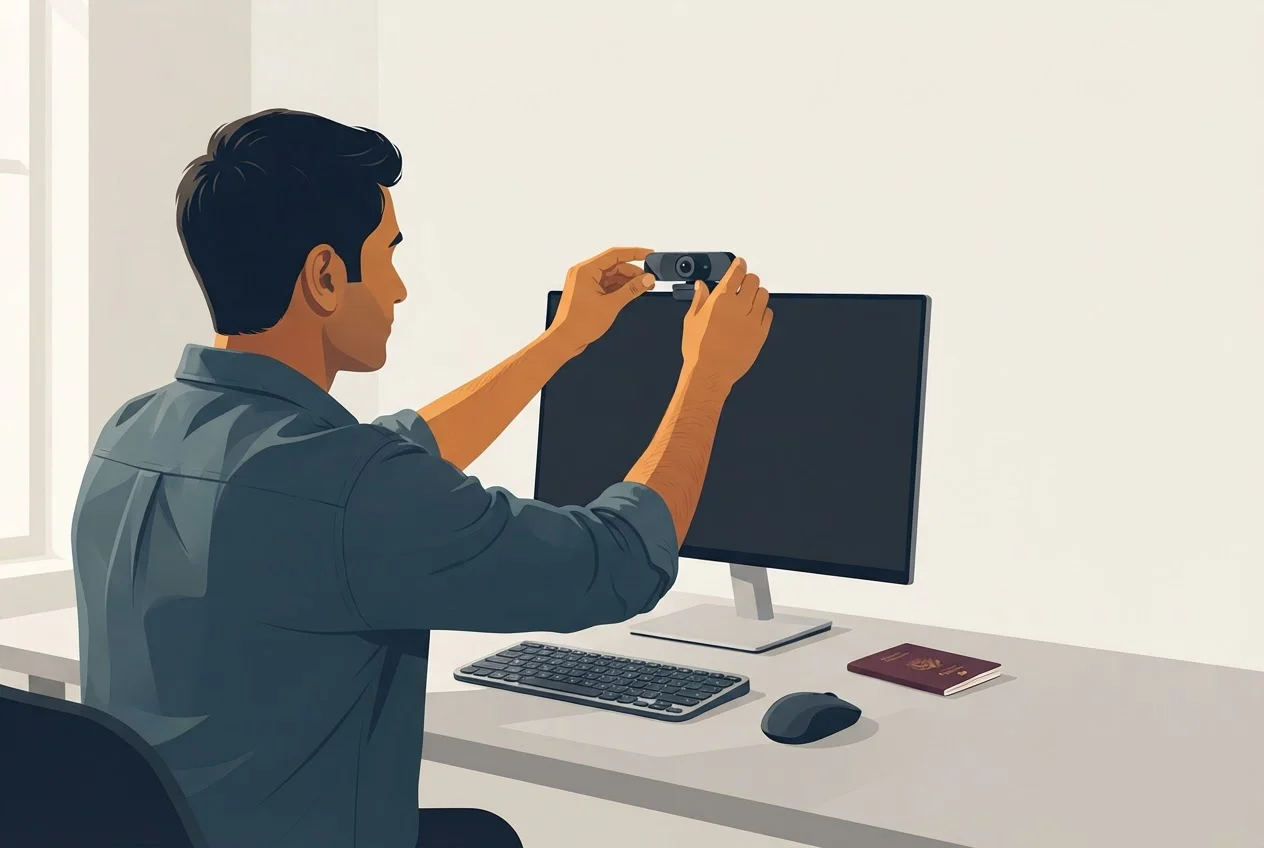
- Computer: Windows 10 or macOS 14 or higher, a working webcam, microphone and speaker, and one display only. Virtual machines are prohibited.
- Connection: at least 6 Mbps (megabits per second) down and 2 Mbps up. VPNs, corporate networks and public or shared networks are prohibited.
- Room: quiet, with you alone and nobody able to see your screen. The desk is empty apart from the computer. Pearson VUE lists offices among prohibited public spaces, so an open office on a company network fails the rules.
- Check-in: begins 30 minutes before the appointment, with photos of you and your ID and a 360° scan of the room. If any requirement is not met, you cannot test and the fee is forfeited.
- Proctor: in-exam chat reaches a proctor, who cannot pause or extend your exam or troubleshoot your device or network.
If you need an exam accommodation, PMI notes you may not be eligible to sit online, so raise it before booking.
ID. PMI requires current, original, undamaged government-issued ID showing your photograph and signature. The name must match your scheduling notification exactly, with no exceptions. Pearson VUE accepts approved Aadhaar cards for most exams, online and at centres, but only a physical PVC (plastic) card issued by the Unique Identification Authority of India (UIDAI). Laminated-paper, privately printed and photocopied cards are refused, according to its Aadhaar ID Policy (version 1.2, May 2026). An Aadhaar PVC card carries no signature, so PMI requires a second ID that shows your signature and your name. Without it, the Aadhaar card fails the check. Our recommendation is to bring your passport, which is on the accepted list and carries both a photograph and a signature.
What happens at a Pearson VUE test centre on exam day?
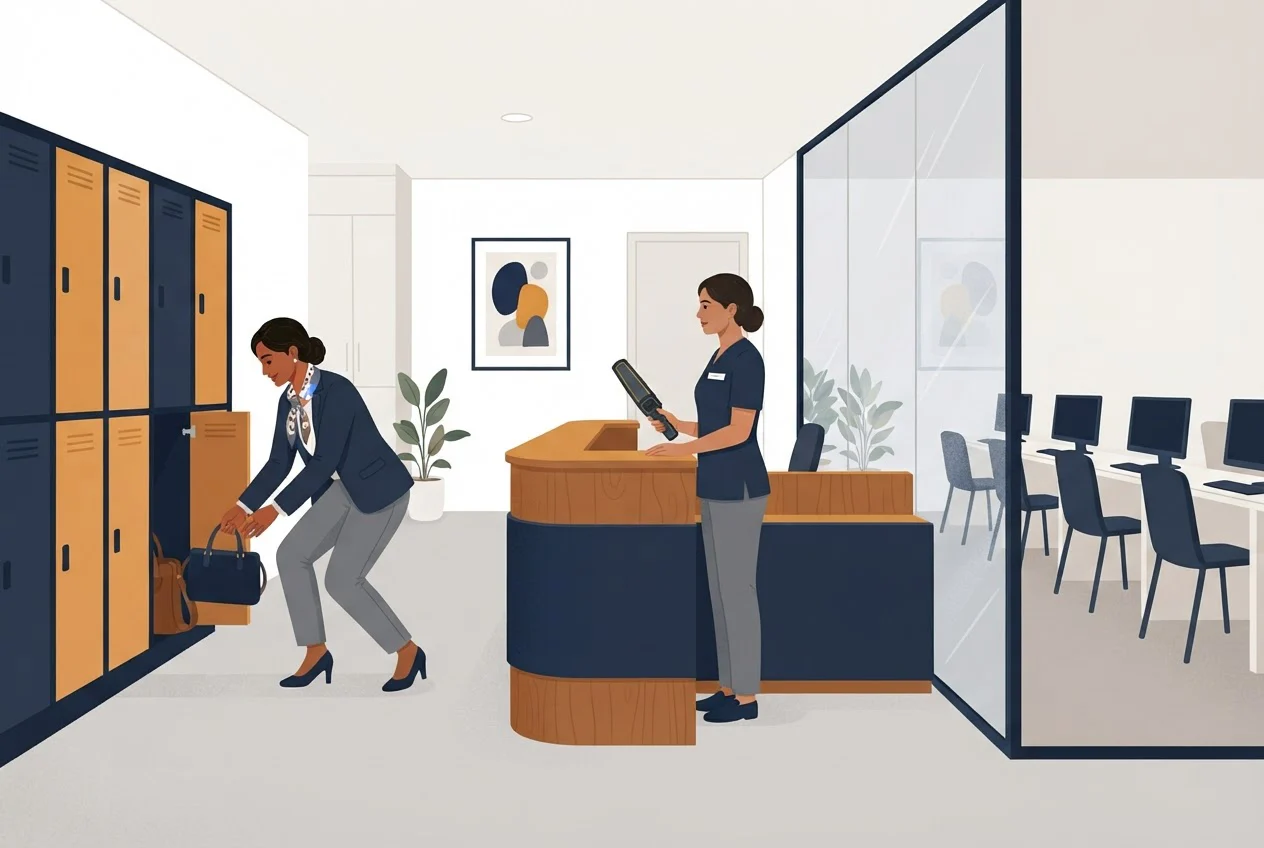
At a test centre you check in 30 minutes before your appointment with your ID and PMI eligibility ID. You will have your photo taken and give a signature, empty your pockets, be scanned with a metal-detecting wand and store belongings in a locker. Only your ID and locker key stay on you. Late arrivals are not admitted. The procedure is in the test-centre check-in section of the PMI Certification Handbook (June 2026).
Use the centre search and seat availability tools on Pearson VUE's PMI page to find one near you. Because not every PMI exam is administered in every centre, confirm that your chosen centre offers your exam, and book early, since PMI cannot guarantee seating.
Should you choose home or a test centre for a four-hour exam?
If a centre is within reasonable travel, we recommend it for a four-hour exam. The PgMP® exam has 170 multiple-choice questions, 20 of them unscored, in 240 minutes. Choose home only if every row below passes.
| Factor | Home (only if offered) | Test centre |
|---|---|---|
| Power cut | Everything must stay on for the whole sitting | Your home supply is out of the picture |
| Internet | Private line meeting 6 Mbps / 2 Mbps, no VPN | No home connection involved |
| Privacy | Alone, no one seeing your screen, not an office | Partitioned workstation arranged by the centre |
| Travel | None, but check-in starts 30 minutes early | Journey plus arrival 30 minutes early |
| Seat choice | Dates depend on online slots | Limited seats, so book early |
Power: plan five hours. Our model adds the 30-minute check-in, an optional tutorial of up to 15 minutes, the 240-minute exam and an optional survey of up to 15 minutes. That is 30 + 15 + 240 + 15 = 300 minutes, or five hours. Run your computer, router and webcam on inverter or UPS (uninterruptible power supply) backup alone for the full 300 minutes once. Pass: nothing drops. Fail: anything less, so book a centre.
Internet: test the hour you will sit. Run a speed test at your exam hour on the same network and device. Pass: at least 6 Mbps down and 2 Mbps up, and the OnVUE system test passes. If it fails, book a centre.
What are the rules for rescheduling or cancelling the PgMP® exam?
You can reschedule or cancel up to 48 hours before your appointment, but changes inside 30 days cost US$70 plus taxes. Inside 48 hours you cannot change the booking at all, and a missed exam forfeits the entire fee, as of the PMI Certification Handbook (June 2026).
| When you change the booking | Result |
|---|---|
| More than 30 days before (on or before 4 April for a 5 May exam) | No fee |
| Within 30 days, up to 48 hours before (5 April to 2 May) | US$70 plus taxes |
| Within 48 hours (after 8:00 a.m. on 3 May for an 8:00 a.m. exam on 5 May) | Cannot reschedule or cancel; the exam fee is forfeited if you do not attend |
Make changes through your PMI.org account, which hands you to Pearson VUE. Emails to PMI or the vendor do not count. If your internet is the problem, telephone the vendor. Inside 30 days, contact PMI Customer Care. Check the 48-hour line against your own booking time, because the clock runs on local time.
What should you check in the week before the exam?
Run these checks in the week before the exam. Each has a pass and a fail.
- Name: your ID name matches your scheduling notification letter for letter. Fail means act now, because PMI cannot guarantee name updates inside five business days of the exam.
- ID: current, original, undamaged and carrying photograph and signature. Pass: passport, or Aadhaar PVC card plus a signed secondary ID with the same name. Fail: an Aadhaar card alone, or any damaged or expired ID.
- Booking: you hold your eligibility ID and the confirmation email, and the 48-hour deadline has not yet passed. Pass: you hold both and more than 48 hours remain before the appointment. Fail: either is missing, or you are inside 48 hours and still need a change.
- Rehearsal: you have sat one full-length 170-question mock in four hours. Our practice exam guide covers the options. Pass: you finish 170 questions inside 240 minutes with time to review. Fail: you run over.
- Home route only: the OnVUE system test passed on exam-day hardware, backup power ran 300 minutes, and the room was cleared of notes, phones, watches and second screens.
- Centre route only: you have done the journey once at the same hour and know your arrival time, which is 30 minutes before the appointment. Pass: you have done the journey once and would arrive 30 minutes before the appointment. Fail: you have not tested the journey, or would arrive later than that.
How to pace the paper once you are in the seat is in our exam pacing strategy.
Where does mentoring fit once your PgMP® application is approved?
Mentoring fits the stage after approval: preparing for the exam you have booked. Our PgMP® Self-Paced Mentorship Program offers structured learning, application guidance and exam preparation, including 1,000+ exam-preparation questions with detailed explanations. Our PgMP® Fast Track Program is focused group mentoring in live-online sessions on Zoom or Webex. Both come with mock exams. If your application is not yet approved, PgMP® Application Writing Support helps you prepare, structure and review it before submission to PMI.
As of November 2026: PgMP® Self-Paced Mentorship Program US$549, PgMP® Fast Track Program US$1,000, PgMP® Application Writing Support US$199, each per enrolment; groups of three or more can get up to 20% off.
Our 98.5% first-attempt success rate is explained in how we calculate it, with its sample and period. As of November 2026 we have mentored 6,000+ professionals. We prepare candidates for PMI's exam process but do not award PMI certifications.
To discuss your exam stage, ask for a free discovery consultation through the Augment Consultancy course store, or by email at support@augmentconsultancy.com or phone or WhatsApp on +91 9816 360 116.
Frequently asked questions
Sources
- 1.PMI, Program Management Professional (PgMP)® Handbook, revised 11 March 2024
- 2.PMI, Project Management Institute Certification Handbook, revised June 2026
- 3.PMI, Exam Scheduling Instructions for Pearson VUE Testing, last revised 11 June 2020
- 4.Pearson VUE, PMI online exams with OnVUE: requirements, rules and setup
- 5.Pearson VUE, PMI certification examinations page
- 6.Pearson VUE, Aadhaar ID Policy for Pearson Professional Assessments, version 1.2, May 2026